BrowZine
BrowZine
BrowZine allows users to browse, read and monitor journals available through The Ohio State University Libraries subscriptions.
With BrowZine you can:
- Easily access full text of articles
- Create a bookshelf of your favorite journals
- Save articles in personalized collections
- Get alerts when new journal issues are published
By creating a free account in BrowZine, you can easily sync your bookshelves and reading lists across devices. The web-based version of BrowZine can be used in any internet browser and does not require a mobile device.
Check out our video and get a quick introduction to BrowZine.
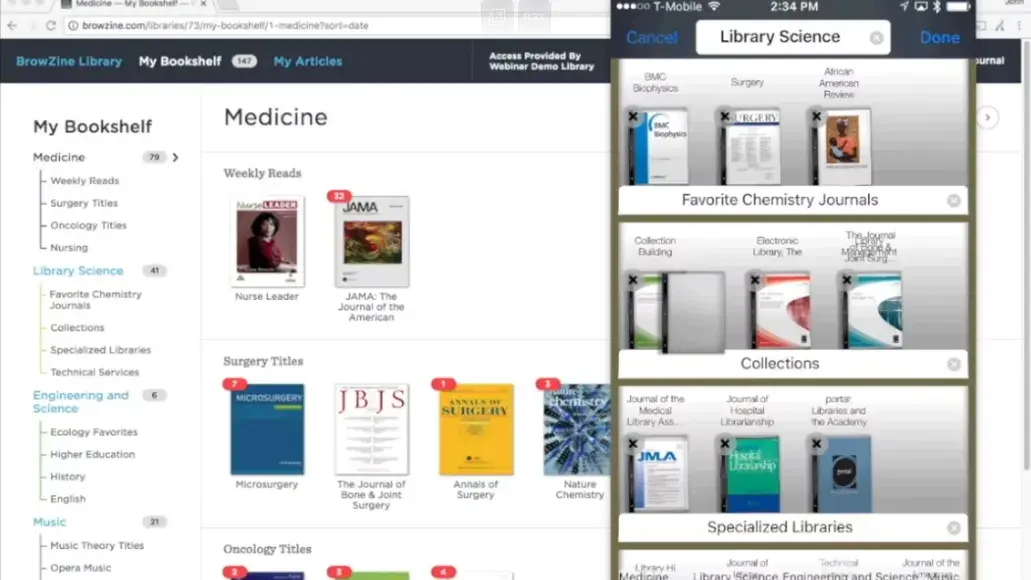
Instructions for using the BrowZine App
The BrowZine app is free to download for smartphone or tablet devices. With BrowZine, you can find, read and monitor scholarly journals by creating a personalized bookshelf of your favorite journals and saving PDF articles to read at your convenience.
To connect to Ohio State Libraries journals and articles follow these simple steps:
1 Download BrowZine
Download the BrowZine App to your device from the appropriate App Store.
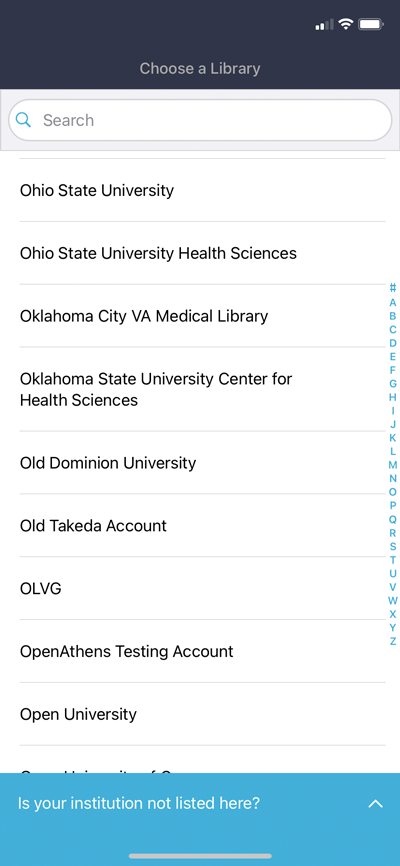
2 Open BrowZine
Open the BrowZine app and select Ohio State University as your library.
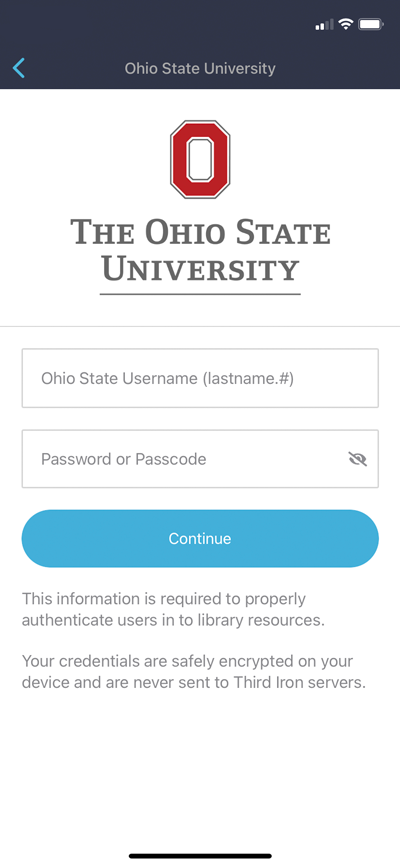
3 Log into BrowZine
Enter your OSU internet username (name.#) and password.
4 Start Browsing
Browse available journals by subject or title. Add titles to your bookshelf. Access, read and save articles.
BrowZine is actively adding titles to the collection available through the app. If there is a journal that Ohio State subscribes to, but is not available via BrowZine that you would like added, please submit your request to support@thirdiron.com or contact ejournals@osumc.edu for questions or problems with access to Ohio State journal subscriptions.