LibKey Nomad: One-Click Access to Full Text
What is LibKey Nomad
LibKey Nomad is a browser extension that provides one-click access to scholarly article full text through library subscriptions. It can easily be installed on Chrome, Edge, Firefox, Safari and other internet browsers. Download the browser extension from the Third Iron website.
How Does LibKey Nomad Work?
LibKey Nomad works by searching the webpage you are viewing for citations to scholarly articles (specifically the DOI or PMID number). If a DOI or PMID is found, LibKey provides a button to seamlessly connect you to the full-text article if it is available. If a full-text article is not immediately available, you willl be connected to Ohio State's Libraries Search catalog system where you will be able to see if the article is available elsewhere or request a copy through Interlibrary Services.
How to Install the LibKey Nomad Browser Extension
- Go to the Third Iron LibKey Nomad page and choose your preferred browser.
- You can download LibKey Nomad on more than one browser if needed.
- Follow the prompts to download and install the extension.
- When prompted, choose the organization you are affiliated with. Type Ohio State to narrow down the list.
- Choose Ohio State University or Ohio State University Health Sciences. Either option provides the same library subscription access.
- Once you have selected Ohio State, the extension is active and will display links to articles, issues, and cover art depending on the resource.
LibKey Nomad PubMed Examples
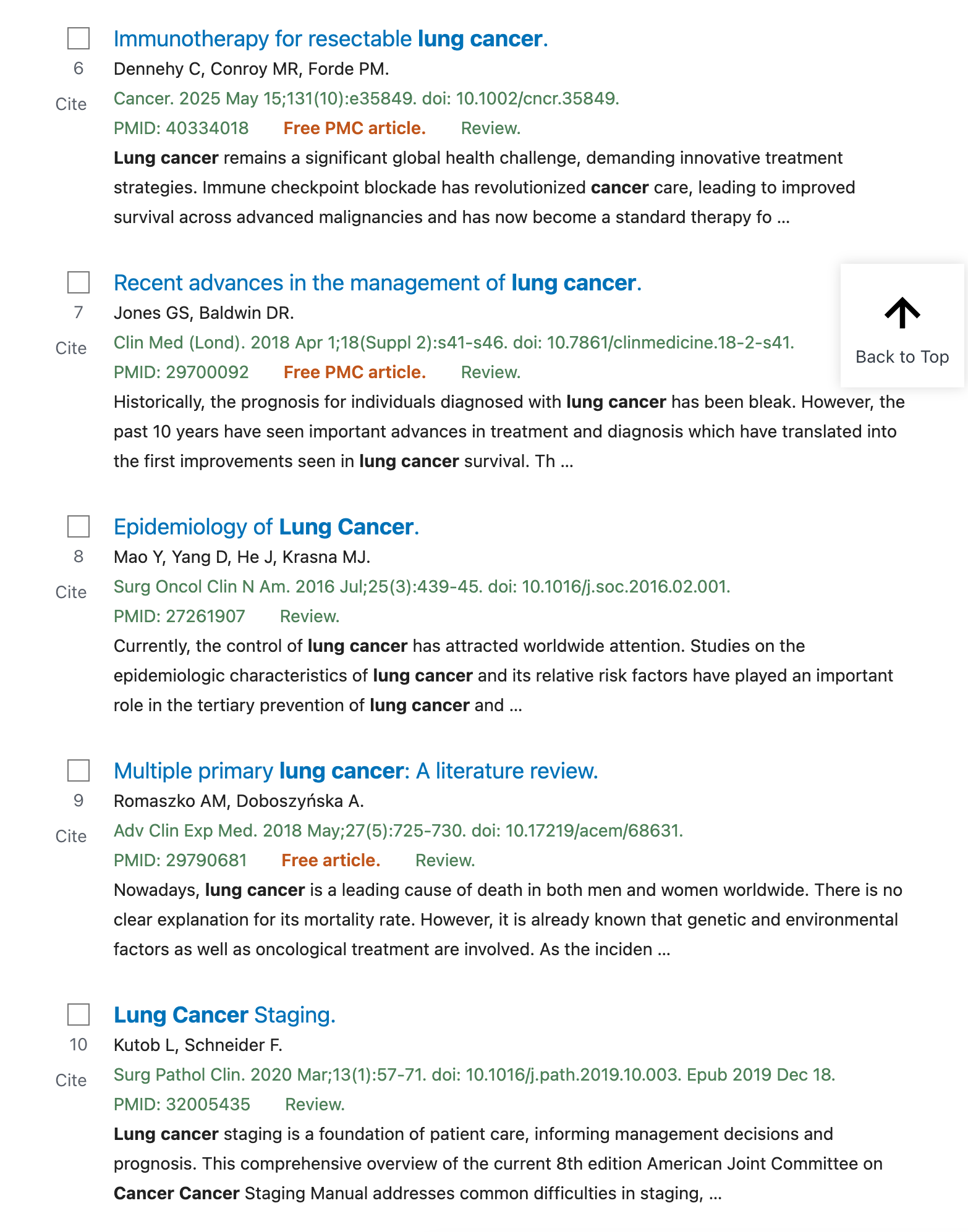
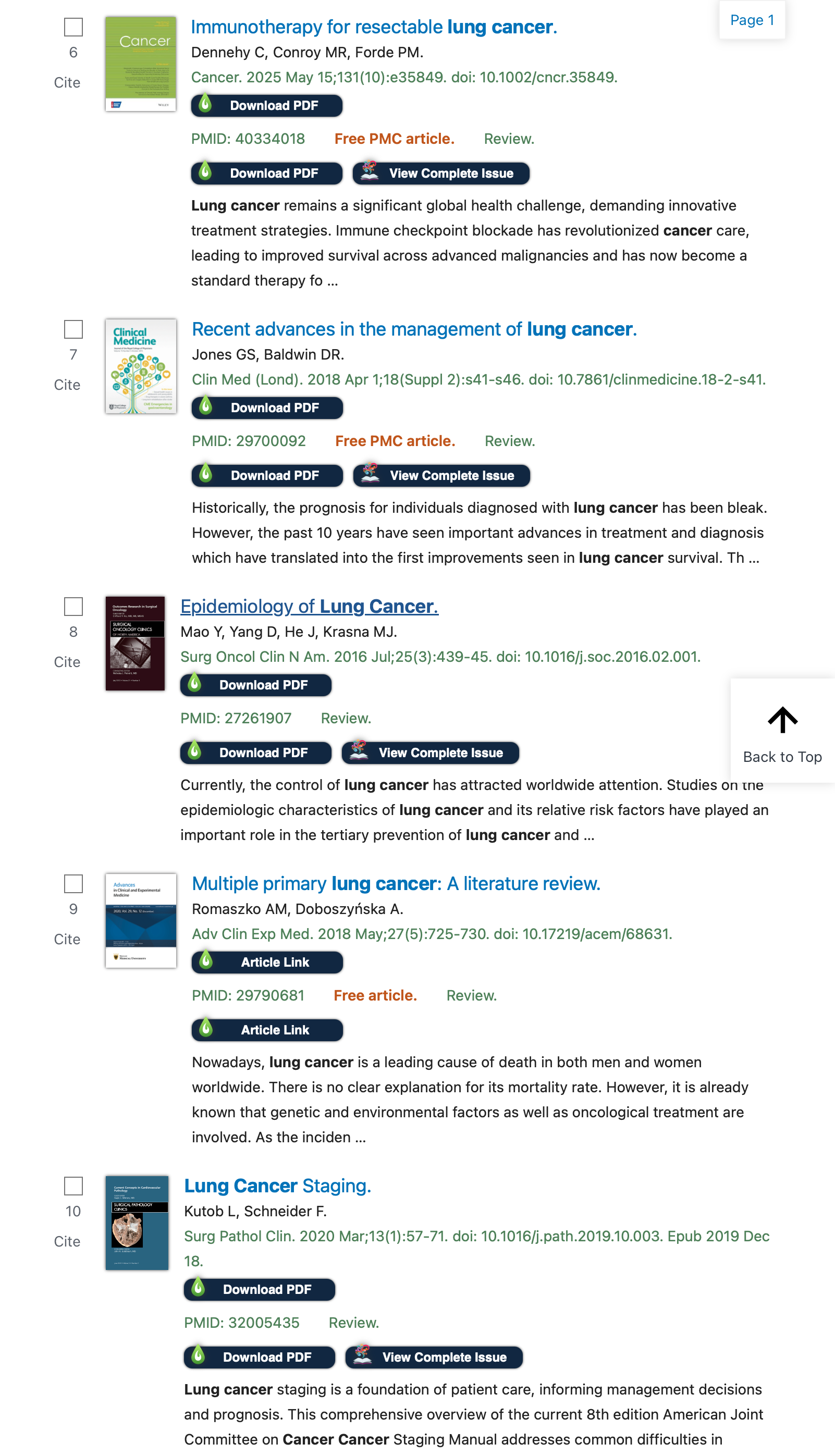
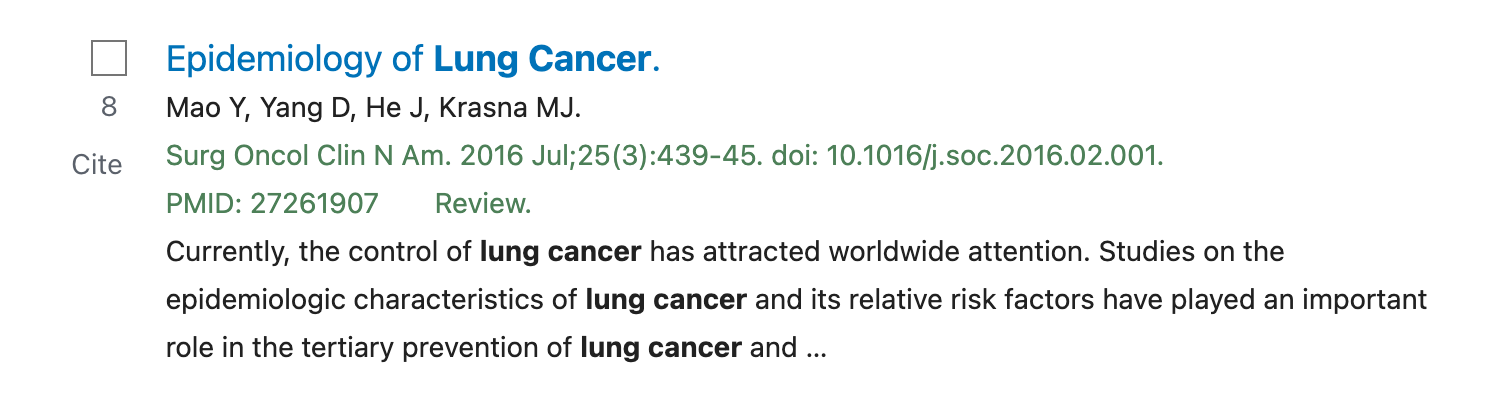
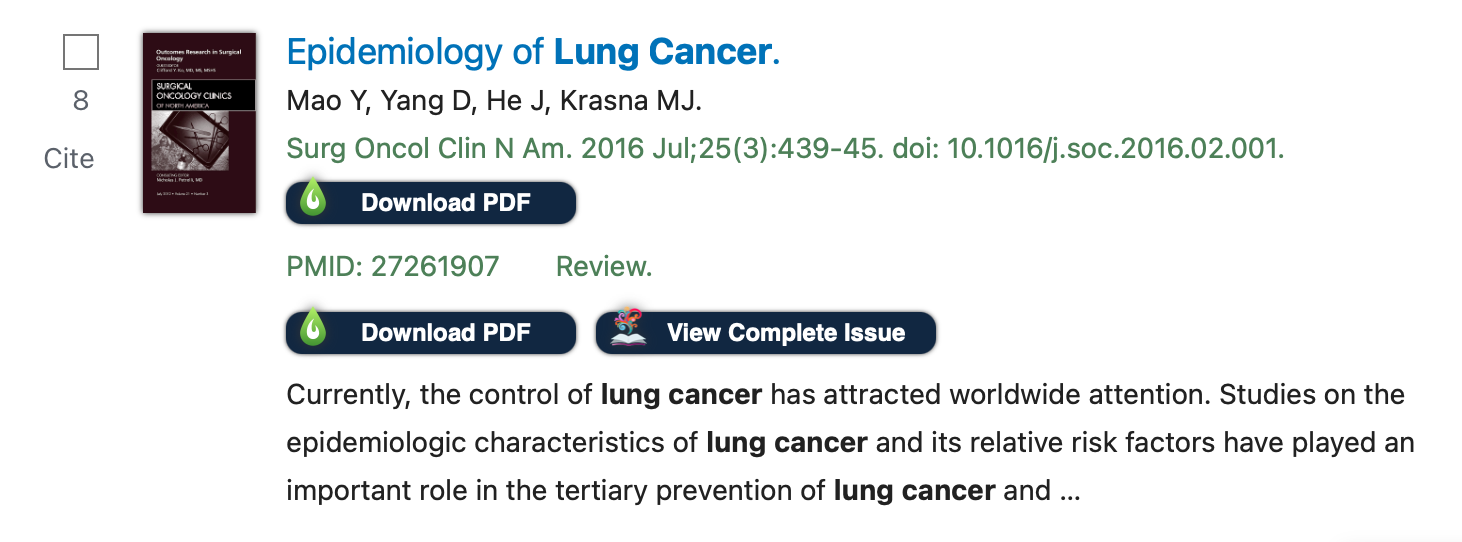
These images illustrate how LibKey Nomad enhances the PubMed interface to provide one-click access to articles in search results. Images on the left show results without LibKey Nomad and images on the right show enhanced results including one-click links to articles, issues and journal cover art.
Your Contact
Joe Payne, MLIS
