Reserves
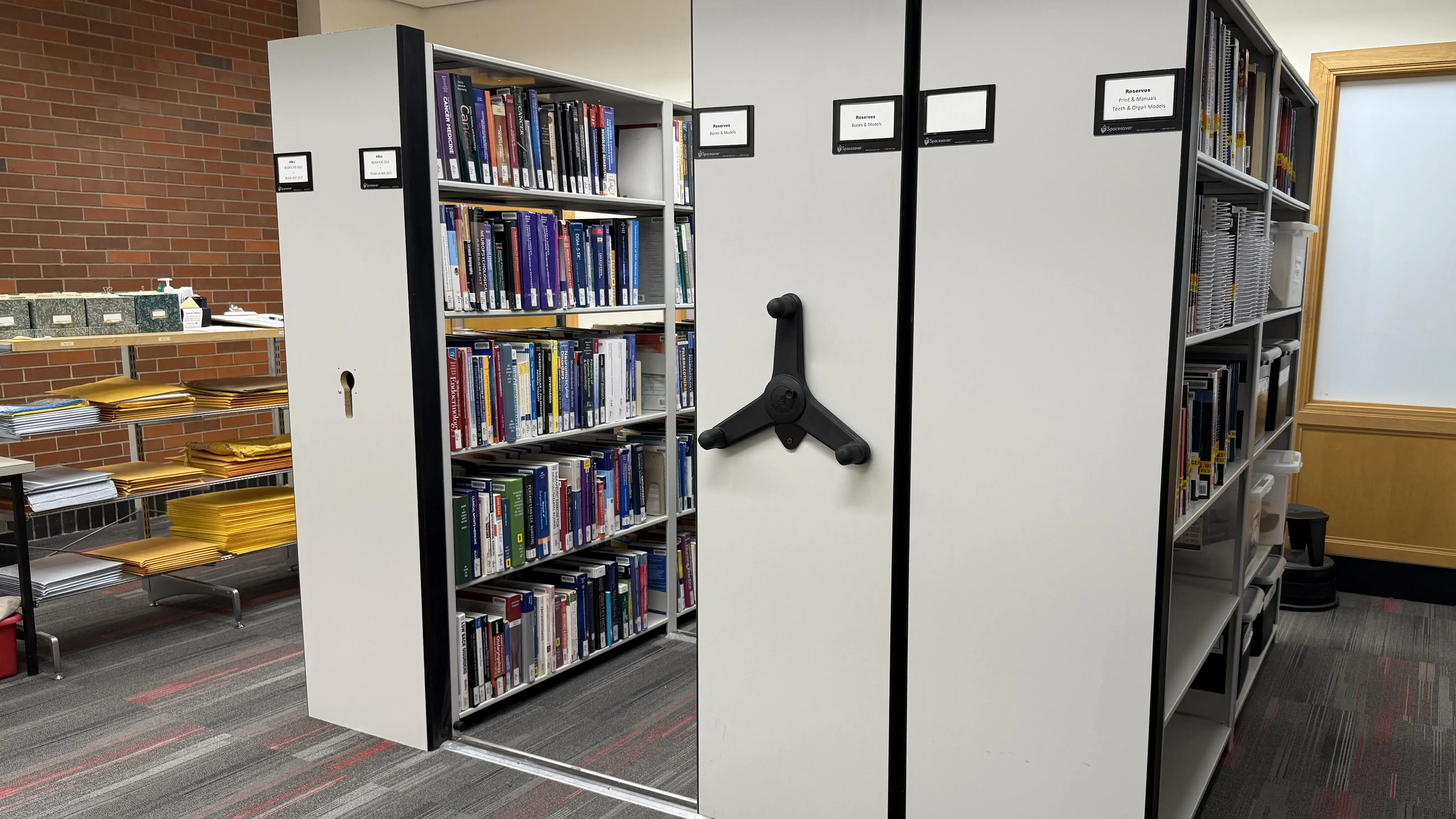
Reserve Materials
The Health Sciences Library features reserves materials such as books, serials and anatomical models that are used to supplement Ohio State courses or as independent study aids.
Types of Reserves
The following process is in place for print reserves:
- All print reserve items may be checked out at the Public Services front desk located on the 1st floor of Prior Hall with your BuckID or Medical Center Badge.
- Print reserves check out for shorter loan periods and can vary from item to item. Loan periods are as follows:
- 2 hours
- 1 day
- 1 week
- 3 weeks
- Items are available on a first-come, first-serve basis. Hold requests and loan renewals are NOT permitted.
- Library visitors may check out TWO print reserve items at a time and use outside of the library is permitted.
- Returns must be made at the Public Services front desk at the HSL.
Please see our Reserves guide for more information and how instructors can add course material.
The Health Sciences Library has the following technology equipment available for check-out at the front desk:
Chargers and Power Adapters
- Dell 90W power adapter with USB-C connector (2 sets)
- Apple 140W power adapter with USB-C connector (2 sets)
Adapters and Accessories
- Apple Lightning Digital AV Adapter (1)
- USB-C to HDMI Adapter (3)
- Headphones (2)
- Flash Drive (3)
Check-out is first come, first served. Note that we cannot provide additional chargers beyond what is listed above.
The course reserve system allows for the borrowing and lending of required and requested Ohio State course materials. Instructors may request their course materials be added to our reserve collection through our course reserve request form. The Health Sciences Library course reserve collection typically accepts course material for the health science colleges.
Refer to our Course Reserves policy on the HSL's policy webpage to learn more.
The Health Sciences Library discontinued its eReserves service of linking or scanning and posting readings to Carmen on behalf of instructors. While HSL staff will no longer post or link readings to Carmen courses, we do help with identifying stable links that can be added to Carmen courses.
Instructors can find information on linking library materials to Carmen in our Virtual Instruction Resources Guide. Please refer to our copyright page for information on material use. Additional copyright help is available through University Libraries Copyright Resources Center.