Today's Hours:

THE Studio Training Lightboard with Dr. Eben

Date
Feb 23, 2026
Time
9 a.m. - 10 a.m. ET
Location

THE Studio - Prior 460A

Event Organizer

Mo Duncan

(she/her/hers)
EdTech Incubator Coordinator
EdTech Incubator
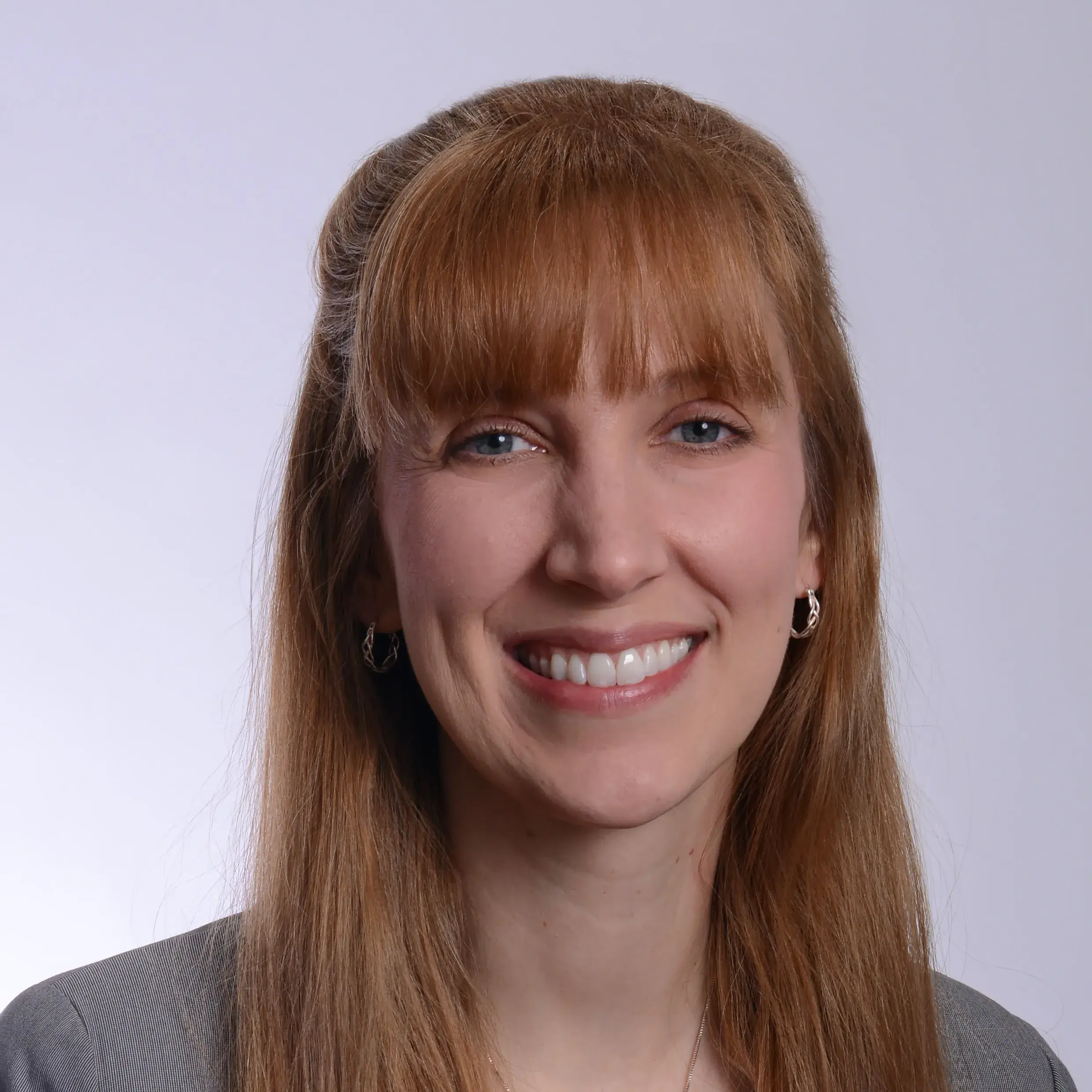
Headshot of Mo Duncan, smiling.

Workshop Series: Introduction to 3D Modeling in Blender Session 6: Finalizing, Rendering and Exporting Blender Models

Date
Apr 30, 2026
Time
12 p.m. - 1:30 p.m. ET
Location

Collaboration Space - Prior 460A

This is Session 6 of a 6-week introductory workshop series on the basics of Blender. Registrants are encouraged to attend all six sessions in the series for best learner outcome. You must register for each session individually.

In this 6-week workshop series, attendee learned the basics of using Blender, a 3D modeling software by building a blood vessel project from week to week, adding to concepts and skills taught in each session.

Session 6, April 30: Finalizing, Rendering and Exporting Blender Models
Noon to 1:30 p.m. Eastern Time

It's your time to shine! You will create an additional cellular model of your choice to enhance your blood vessel environment (e.g., white blood cell, blockage, stent, etc.). Then finalize, render and export your final creation! We will discuss how final models can be used, including 3D printing, instructional design modules and other applications.

Workshop Series: Introduction to 3D Modeling in Blender Session 5: Using Materials in Blender

Date
Apr 23, 2026
Time
12 p.m. - 1:30 p.m. ET
Location

Collaboration Space - Prior 460A

This is Session 5 of a 6-week introductory workshop series on the basics of Blender. Registrants are encouraged to attend all six sessions in the series for best learner outcome. You must register for each session individually.

In this 6-week workshop series, attendees will learn the basics of using Blender, a 3D modeling software. Attendees will build a blood vessel project from week to week, adding to concepts and skills taught in each session. Each session runs from noon to 1:30 p.m. Eastern Time.

Session 5, April 23: Using Materials in Blender

Upgrade the look of your blood vessel project by enhancing surface textures. We will also cover very basic UV mapping.

A detailed description of the final session objectives is below. Register for the final session separately.

Session 6, April 30: Finalizing, Rendering and Exporting Blender Models

It's your time to shine! You will create an additional cellular model of your choice to enhance your blood vessel environment (e.g., white blood cell, blockage, stent, etc.). Then finalize, render and export your final creation! We will discuss how final models can be used, including 3D printing, instructional design modules and other applications.

Workshop Series: Introduction to 3D Modeling in Blender Session 4: Sculpting in Blender

Date
Apr 16, 2026
Time
12 p.m. - 1:30 p.m. ET
Location

Collaboration Space - Prior 460A

This is Session 4 of a 6-week introductory workshop series on the basics of Blender. Registrants are encouraged to attend all six sessions in the series for best learner outcome. You must register for each session individually.

In this 6-week workshop series, attendees will learn the basics of using Blender, a 3D modeling software. Attendees will build a blood vessel project from week to week, adding to concepts and skills taught in each session. Each session runs from noon to 1:30 p.m. Eastern Time.

Session 4, April 16: Sculpting in Blender

Learn how to use sculpting vs. modifiers to create surface details for our blood vessel projects.

Detailed descriptions of future session objectives are below. Register for each session individually

Session 5, April 23: Using Materials in Blender

Upgrade the look of your blood vessel project by enhancing surface textures. We will also cover very basic UV mapping.

Session 6, April 30: Finalizing, Rendering and Exporting Blender Models

It's your time to shine! You will create an additional cellular model of your choice to enhance your blood vessel environment (e.g., white blood cell, blockage, stent, etc.). Then finalize, render and export your final creation! We will discuss how final models can be used, including 3D printing, instructional design modules and other applications.

Workshop Series: Introduction to 3D Modeling in Blender Session 3: Lights and Cameras Functionality in Blender

Date
Apr 9, 2026
Time
12 p.m. - 1:30 p.m. ET
Location

Collaboration Space - Prior 460A

This is Session 3 of a 6-week introductory workshop series on the basics of Blender. Registrants are encouraged to attend all six sessions in the series for best learner outcome. You must register for each session individually.

In this 6-week workshop series, attendees will learn the basics of using Blender, a 3D modeling software. Attendees will build a blood vessel project from week to week, adding to concepts and skills taught in each session. Each session runs from noon to 1:30 p.m. Eastern Time.

Session 3, April 9: Lights and Cameras Functionality in Blender

Add enhancements to your blood vessel project using colors, lights and cameras to produce a final image.

Detailed descriptions of future session objectives are below. Register for each session individually.

Session 4, April 16: Sculpting in Blender

Learn how to use sculpting vs. modifiers to create surface details for our blood vessel projects.

Session 5, April 23: Using Materials in Blender

Upgrade the look of your blood vessel project by enhancing surface textures. We will also cover very basic UV mapping.

Session 6, April 30: Finalizing, Rendering and Exporting Blender Models

It's your time to shine! You will create an additional cellular model of your choice to enhance your blood vessel environment (e.g., white blood cell, blockage, stent, etc.). Then finalize, render and export your final creation! We will discuss how final models can be used, including 3D printing, instructional design modules and other applications.

Workshop Series: Introduction to 3D Modeling in Blender Session 2: Using Modifiers in Blender

Date
Mar 26, 2026
Time
12 p.m. - 1:30 p.m. ET
Location

Collaboration Space - Prior 460A

This is Session 2 of a 6-week introductory workshop series on the basics of Blender. Registrants are encouraged to attend all six sessions in the series for best learner outcome. You must register for each session individually.

In this 6-week workshop series, attendees will learn the basics of using Blender, a 3D modeling software. Attendees will build a blood vessel project from week to week, adding to concepts and skills taught in each session. Each session runs from noon to 1:30 p.m. Eastern Time.

Session 2, March 26: Using Modifiers in Blender

Learn about some of the basic modifiers in Blender and create a blood vessel and additional red blood cells to our 3D modeling project.

Detailed descriptions of future session objectives are below. Register for each session individually.

Session 3, April 9: Lights and Cameras Functionality in Blender

Add enhancements to your blood vessel project using colors, lights and cameras to produce a final image.

Session 4, April 16: Sculpting in Blender

Learn how to use sculpting vs. modifiers to create surface details for our blood vessel projects.

Session 5, April 23: Using Materials in Blender

Upgrade the look of your blood vessel project by enhancing surface textures. We will also cover very basic UV mapping.

Session 6, April 30: Finalizing, Rendering and Exporting Blender Models

It's your time to shine! You will create an additional cellular model of your choice to enhance your blood vessel environment (e.g., white blood cell, blockage, stent, etc.). Then finalize, render and export your final creation! We will discuss how final models can be used, including 3D printing, instructional design modules and other applications.

Workshop Series: Introduction to 3D Modeling in Blender Session 1: Blender Basics

Date
Mar 19, 2026
Time
12 p.m. - 1:30 p.m. ET
Location

Collaboration Space - Prior 460A

This is Session 1 of a 6-week introductory workshop series on the basics of Blender. Registrants are encouraged to attend all six sessions in the series for best learner outcome. You must register for each session individually.

In this 6-week workshop series, attendees will learn the basics of using Blender, a 3D modeling software. Attendees will build a blood vessel project from week to week, adding to concepts and skills taught in each session. Each session runs from noon to 1:30 p.m. Eastern Time.

Session 1, March 19: Blender Basics

Learn the basic controls of Blender and create a red blood cell that we will enhance in future sessions.

Detailed descriptions of future session objectives are below. Register for each session individually.

Session 2, March 26: Using Modifiers in Blender

Learn about some of the basic modifiers in Blender and create a blood vessel and additional red blood cells to our 3D modeling project.

Session 3, April 9: Lights and Cameras Functionality in Blender

Add enhancements to your blood vessel project using colors, lights and cameras to produce a final image.

Session 4, April 16: Sculpting in Blender

Learn how to use sculpting vs. modifiers to create surface details for our blood vessel projects.

Session 5, April 23: Using Materials in Blender

Upgrade the look of your blood vessel project by enhancing surface textures. We will also cover very basic UV mapping.

Session 6, April 30: Finalizing, Rendering and Exporting Blender Models

It's your time to shine! You will create an additional cellular model of your choice to enhance your blood vessel environment (e.g., white blood cell, blockage, stent, etc.). Then finalize, render and export your final creation! We will discuss how final models can be used, including 3D printing, instructional design modules and other applications.

Sing Your Heart Out

Date
Feb 17, 2026
Time
12 p.m. - 2 p.m. ET
Location

THE Studio - Prior 460A

Sing your heart out at our Love Songs Karaoke event in THE Studio! Belt classic ballads or modern love anthems, and cheer on your friend!

Presenter

Mo Duncan

(she/her/hers)
EdTech Incubator Coordinator
EdTech Incubator
Headshot of Mo Duncan, smiling.
Subscribe to
Back to top